Foxl v0.4.12: The Quiet Fixes
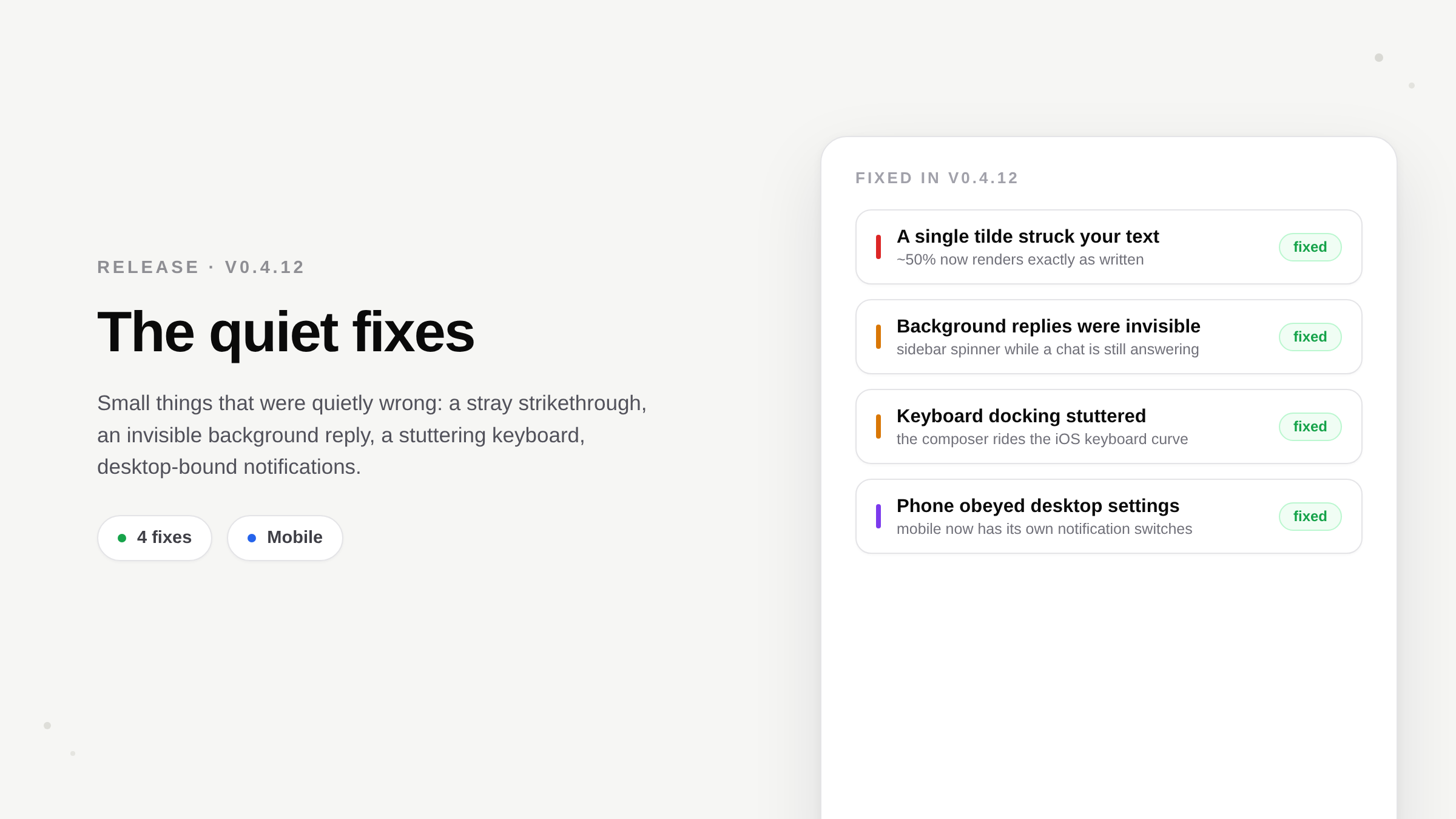
Foxl v0.4.12 fixes small defects: a single tilde no longer strikes through text, chats still answering in the background show a spinner in the sidebar, the mobile keyboard docks without stuttering, and the phone has notification settings of its own.
On this page
Foxl v0.4.12 is a batch of fixes for small things that were slightly wrong - a stray strikethrough in the middle of a sentence, a background reply you couldn't tell was still running, a keyboard that stuttered, and phone notifications that answered to your desktop's settings instead of your phone's. None of them was serious on its own, but together they made the app feel less careful than it should have.
A single tilde stops striking through your text
Chat and Notes render Markdown, and Markdown turns text between tildes into strikethrough. However, the renderer was treating a single tilde as a strikethrough marker. So a normal sentence using tildes as a range - "rank 0~7 on one server, rank 8~15 on the next" - had everything between the two tildes struck through, and the sentence became unreadable for no reason the writer could see.
Strikethrough now requires the standard double tilde (~~like this~~). A lone ~ is left exactly as typed. The fix went to every place Foxl renders Markdown - the chat, the Foxl Code chat, and all three Notes surfaces - so ranges, approximate values, and file globs read as plain text everywhere.
You can see which chats are still answering
Replies in Foxl keep running when you switch to another conversation - that has always been true, the work does not stop just because you looked away. What was missing was any sign of it. Now every conversation with a reply in progress shows a small spinner next to its name in the sidebar, whether that chat is open in front of you or working in the background. On desktop the spinner steps aside for the delete button when you hover the row - same spot, no layout jump - and on mobile it simply stays put.
The keyboard docks smoothly on mobile
When you tap the composer on a phone, the app shrinks to sit the input neatly on top of the rising keyboard. It used to stutter, because the app was animating its own height - a layout property, which forces the browser to re-lay-out the entire screen on every one of the 250 milliseconds of the animation. No amount of tuning makes that smooth. The composer now rides the keyboard on a transform the graphics compositor handles directly, and the real layout change happens exactly once, at the instant the keyboard settles. This is the standard technique for keyboard docking in embedded web views; Foxl now uses it.
Your phone has its own notification settings
Notification settings on mobile used to be a window into your desktop's settings, which is the wrong thing entirely - your desktop's local notifications never leave that machine, and your phone couldn't turn them on or off in any way that mattered. Mobile now has its own Notifications screen: whether iOS has allowed notifications for Foxl (with a one-tap request, or a pointer into system Settings if you previously declined), and per-kind toggles for chat-reply and scheduled-task pushes. Those toggles live on the relay - the thing that actually sends the push - so turning one off takes effect immediately for every device signed into your account. Desktop notification settings are unchanged and stay where they were.
And one thing you'll never see
Under the hood we also closed a developer-only bug in the relay's test harness that could exhaust the machine's network sockets during a long test run. It never affected the shipped app, but it was disruptive to work on Foxl, and now it can't recur - the tests refuse to spin up their own server unless a developer explicitly starts one. We mention it because it was one more small defect of the same kind as the rest of this release.
Upgrading
The web app updates automatically. The desktop app updates itself, or you can grab the latest build from the Foxl homepage. The full list of changes is always in the changelog.
References and further reading
- Foxl v0.4.12 changelogRelease
- Download FoxlReference