01Get the first draft
Get the first draft
off your mind.
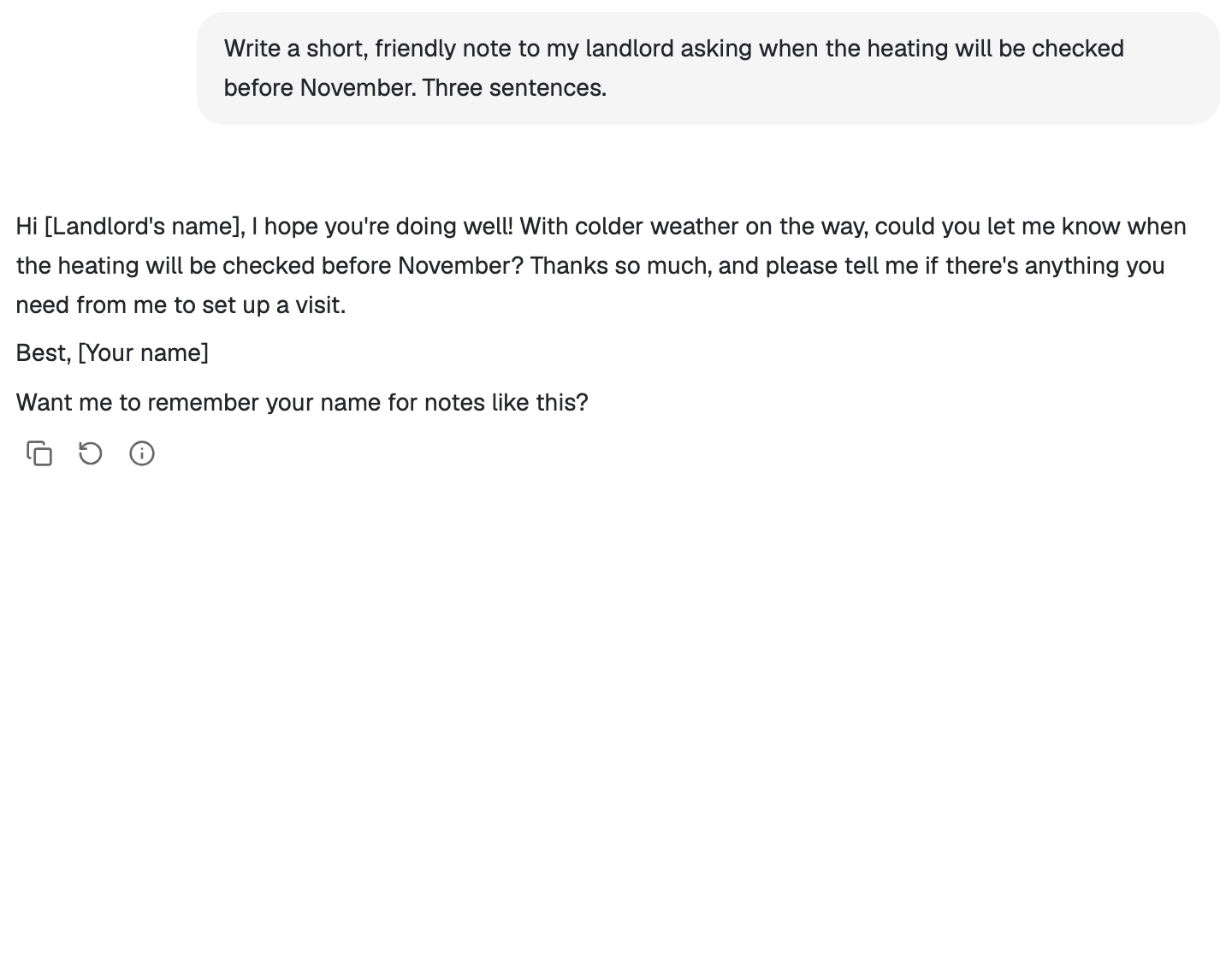
Make sense of an idea, shape a plan, or find the words. A clean conversation helps you keep going.
Foxl · Your personal AI agent
Your personal AI agent for research, writing, and everyday work. At home on your desktop. Ready on your phone.
The browser version needs Foxl Agent running on your computer.
Free to download. Bring the models you already use.
Built around your work
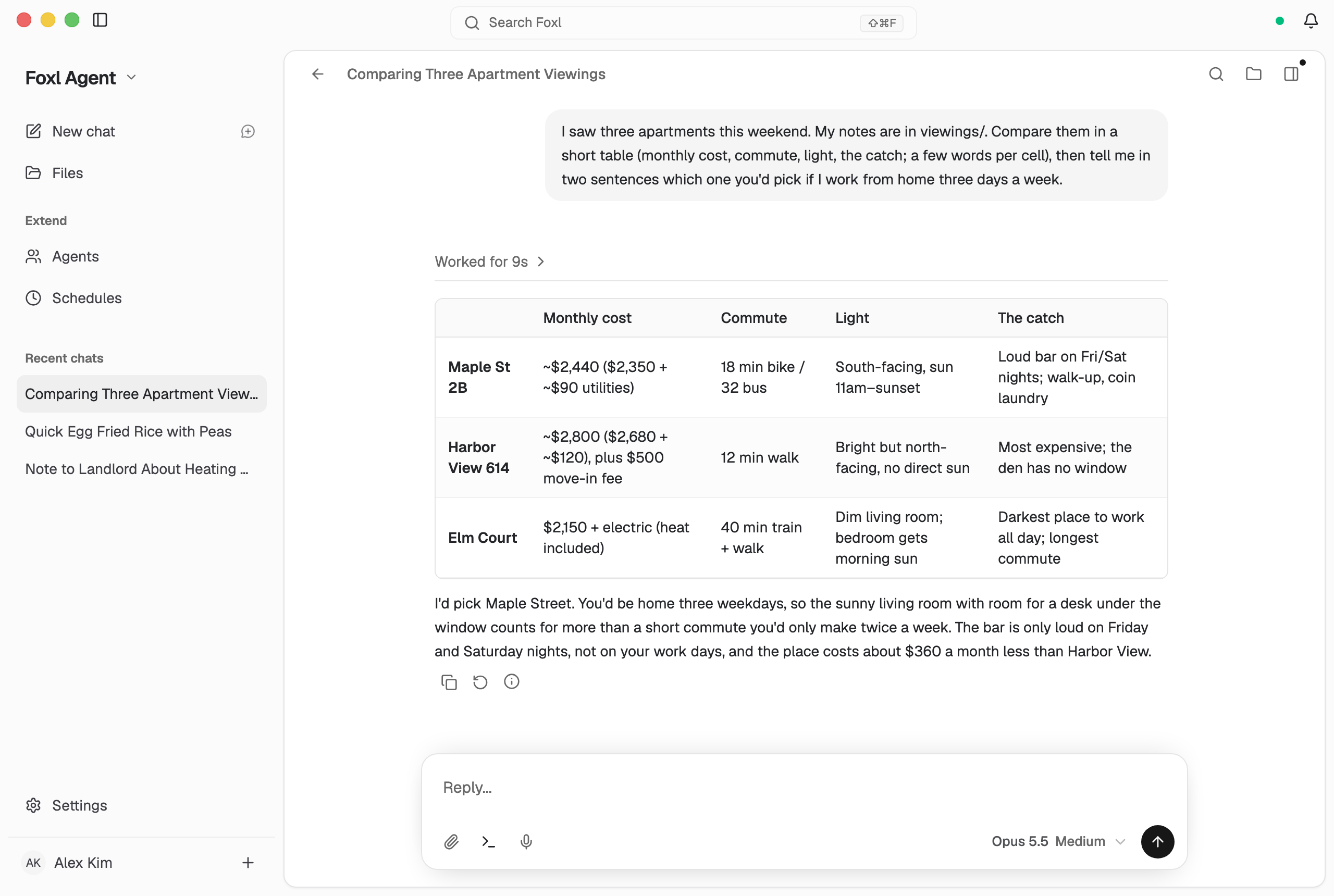
Start with a question or a task. Foxl brings your models, files, and tools together in one calm place.
Make sense of an idea, shape a plan, or find the words. A clean conversation helps you keep going.
Let your desktop agent read your files, research on the web, use the apps you allow, and keep going on a schedule.
Computer use
Turn on computer use and Foxl can work in the apps on your desktop. It asks in the chat the first time it needs an app, looks only at that app's window, and works its controls directly instead of taking over your mouse, so you can keep working.
On Mac, Windows, and Linux on X11. Off until you turn it on.
See the whole runSign in with the Claude or ChatGPT subscription you already pay for, paste an API key, or point Foxl at a model running on your own hardware. Switch mid-conversation - nothing is locked to one vendor.
Use the subscription you already have. Foxl connects through your existing CLI sign-in on Desktop.
 Claude Pro / Max
 ChatGPT Plus / Pro
 Gemini CLI
Pick an agent for each coding task in its own sandbox. Foxl Code is in private beta, open to invited accounts.
Claude Code Codex
Codex Cursor CLI
 OpenCode
 Kiro
KiroPaste a key once and it stays on your machine. Any OpenAI-compatible endpoint works too.
 AnthropicOpenAIGoogle
 Amazon Bedrock
 Groq
Groq DeepSeek
 OpenRouter
 Together AI
 Mistral
 Fireworks
 Z.ai / GLM
 Kimi
Kimi Qwen
Qwen MiniMax
 Perplexity
 xAI / Grok
 Cerebras
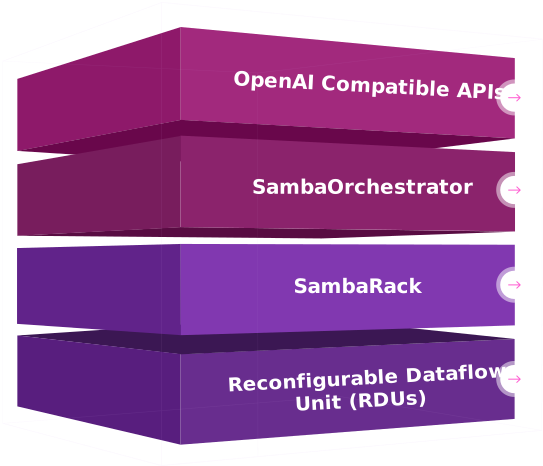 SambaNova
 Cohere
 AI21
AI21 HuggingFace
On an Apple silicon Mac, Gemma 4 runs on the computer itself, with no account, no key and no internet. Or connect a model running on your own hardware.
 Gemma 4 (Apple silicon)
 Ollama
 LM Studio
 vLLM
vLLMFind the setup that fits your work. See how each one is configured.
Foxl Notes
Bring the context from everyday Foxl Chat conversations into your next meeting. Notes on Desktop can use saved memories and look up past chats to give answers that fit you. Later, ask Foxl what was decided, and the answer names the meeting it came from.
Meet Foxl NotesMobile companion
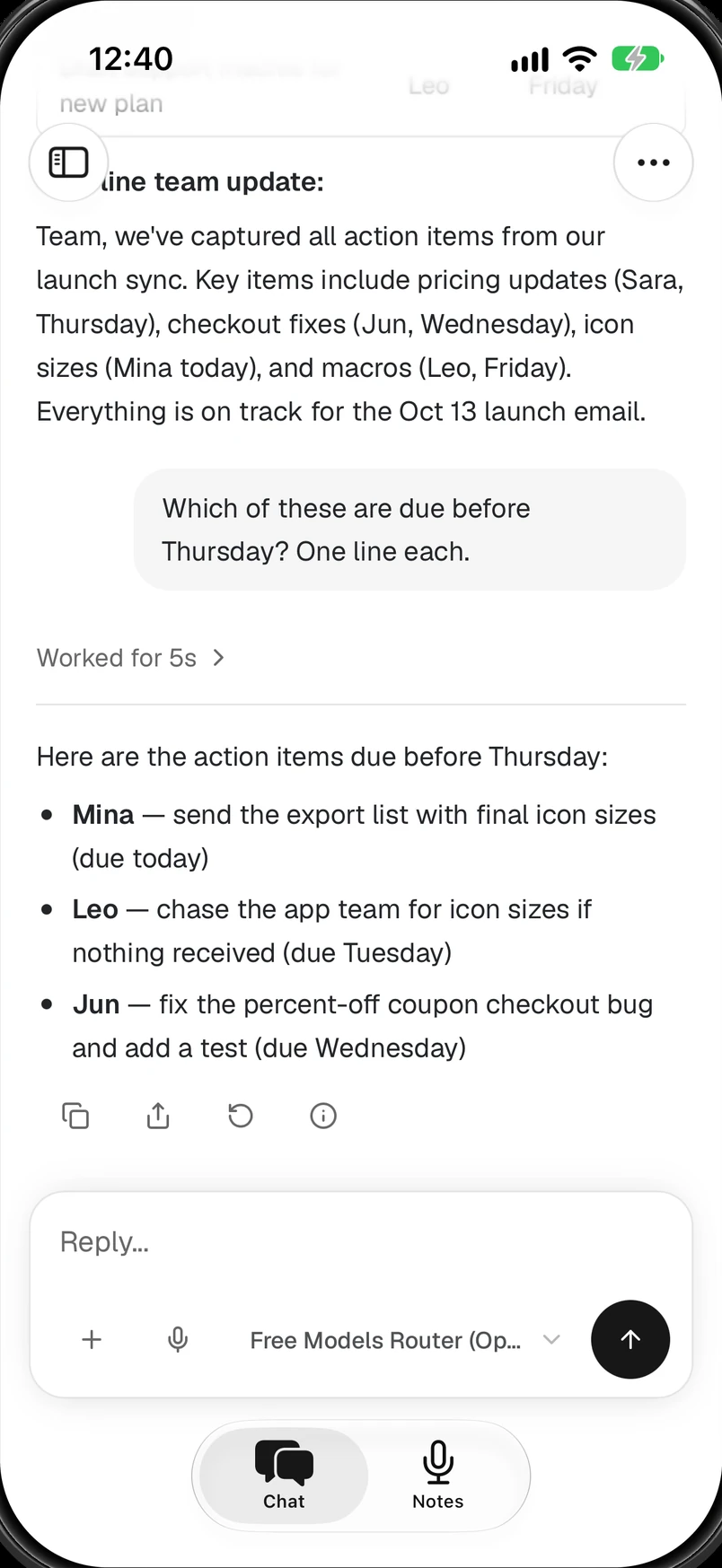
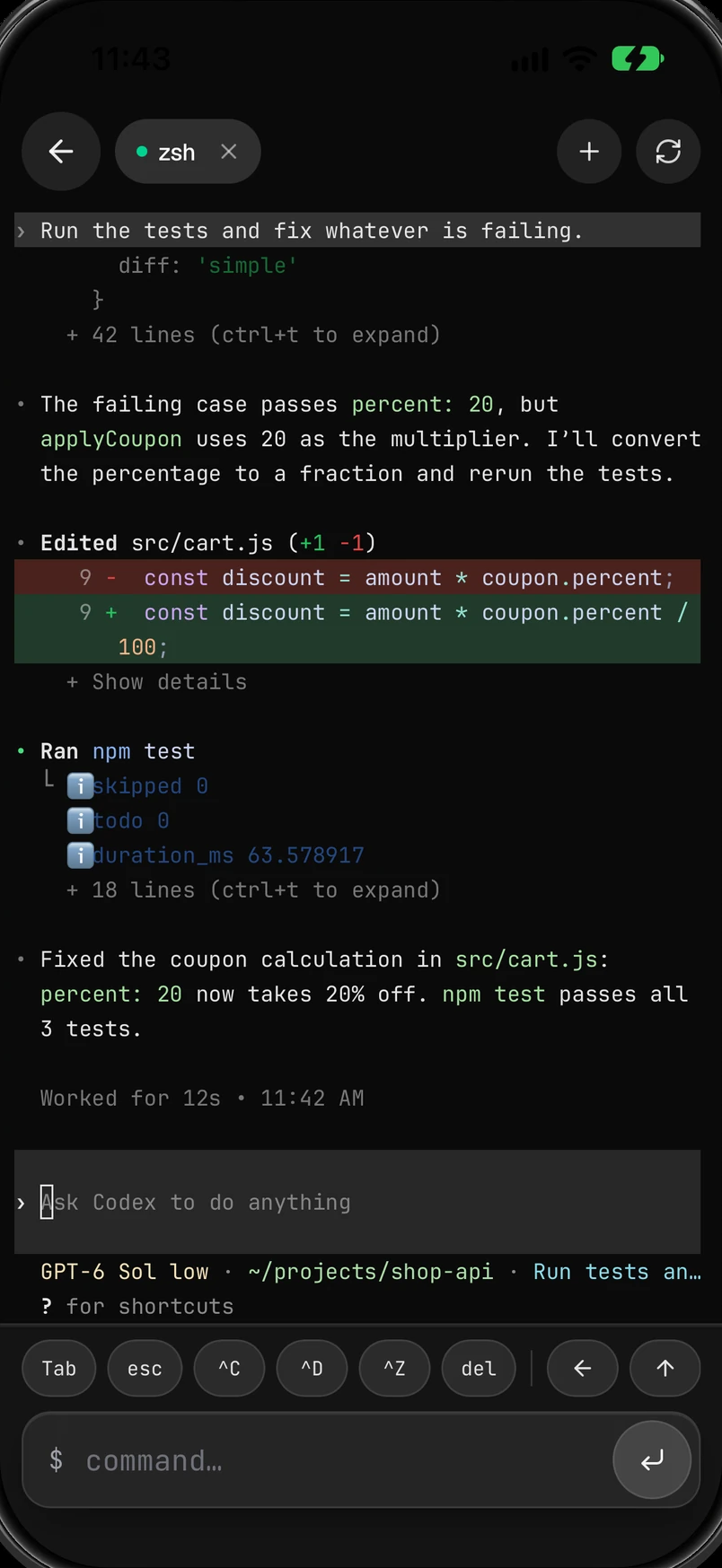
Send a task from your phone to your connected Desktop. Check its progress, answer an approval, and pick up the result later. Open your computer's terminal to keep Codex or Claude Code going from anywhere. Your meeting notes come along, too.
iOS installs from the App Store. Foxl is not on Google Play yet, so the Android APK installs directly; your phone will ask you to allow it.
Made to be personal
Your computer is the home for your work. Choose the models you use, inspect your memory, and connect from another device when you need to.
Your devices
Optional relay
Connects your devices to your own computer.
Your machine
Tools, skills, and memory.
Browser, code, git, and files.
Desktop conversations, files, and agent memory live on your computer. Cloud models and connected services process the content you send them.
Choose which actions need your approval, including shell commands, file changes, and browser actions. A new install auto-approves tools so scheduled and remote runs never wait; turn that off to be asked first. Computer use asks the first time a chat needs an app, unless you chose Always allow for it.
Connect to your Desktop through the relay when you need to. Regular API traffic and terminal sessions gain device-to-device encryption after a successful handshake. Live chat, streaming Notes AI replies, file previews, and notification previews use TLS only.
Your workspace memory is plain Markdown on disk. Read it, edit it, or delete it at any time.
Foxl helps with research, writing, planning, and everyday questions. On Desktop, your agent can also work with local files, use your browser, and run tasks with the permissions you choose. Foxl Notes records conversations, transcribes them, and helps you turn them into useful notes.
Foxl Agent supports your existing Claude or ChatGPT subscription, provider API keys including OpenRouter, Gemma 4 running on an Apple silicon Mac itself, and local models through tools such as Ollama and LM Studio. Available models depend on your provider and account. You can change models within the same familiar interface.
Foxl is free to download, with nothing sold inside the app. On Desktop, bring your own model subscription, API key, or local model; your provider may charge for its service. Foxl Code is in private beta, open to invited accounts.
Desktop conversations, files, and agent memory are stored on your computer. The content you send to a cloud model or transcription provider is processed by that provider. Desktop also supports local models and local transcription. Remote access and connected services have their own data flows, explained on the Security and Privacy pages.
Yes. Foxl is available on iPhone and iPad from the App Store, on Android as an APK, and in the browser at app.foxl.ai. You can use chat and Notes on mobile, or connect to your desktop agent for tasks that need your computer. Hosted features depend on your account and settings.

Make a little room for Foxl
The browser version needs Foxl Agent running on your computer.
Mac, Windows, Linux, iPhone, iPad, and Android.