Skip to content

Design

Foxl design system

How Foxl looks: Geist type, ink and paper with one blue, a sky with glass in it, and the patchwork pets that live there. For anyone building with Foxl or writing about it.

Four rules.
They decide every phone screen.

Three come from Foxl Sky and Glass, the design system of the iOS and Android apps. The fourth is the type system's.

  1. Foxl lives in the sky.

    Your agent works around the clock, so the app is a sky that keeps time: a steel-blue day with cumulus, a black night with stars. The sky is behind, never under body copy.

  2. Glass is for what you act on.

    The composer, the tab bar, chips, a card with a control on it: each floats over the page with a rim of light. A sheet of text is never glass.

  3. Characters are content, not chrome.

    A pet appears where something is empty, waiting or arriving: a zero state, the welcome, an empty inbox. Never on a control, never on a list row.

  4. One face for words.

    Words are set in Geist, with JetBrains Mono for code: Foxl's own lines as much as a chat answer. The one exception is the welcome's Get started, in the round Fredoka of the stickers it opens onto.

One face for words.
And one round button.

Everything a person reads or works in, and everything Foxl says, is set in Geist, with JetBrains Mono for code. The one exception is the phone apps' welcome: its Get started is set in Fredoka, the round face of the stickers it opens onto. Every face is self-hosted and under the SIL Open Font License 1.1.

The welcome's Get started Fredoka, with NanumSquareRound for Hangul

Get started시작하기
  • One element: the welcome's Get started, on iOS and Android.
  • Fredoka SemiBold 17 px; Hangul in NanumSquareRound ExtraBold.
  • Never a heading, a greeting or anything to read.

Everything else Geist, with Pretendard for Hangul and JetBrains Mono for code

Moving the launch

The release moves to November 4. Design owns the onboarding copy, and the beta keeps its current build until then.

  • Tag the build from main once the train is green.
  • Dispatch release.yml with the dated changelog heading.
  • Foxl's own words too: a greeting, the sign-in door, an empty state.
  • Body text 16 px with 1.6 to 1.75 leading, left aligned.
  • 400 to read, 500 for labels and controls, 600 for titles; sentence case.
  • Code and terminal prose in JetBrains Mono.
The phone type scale, at the default text size
RoleFaceSizeWeightLine height
Greeting (Foxl speaking)Where should we start today?Geist17 px4001.3
Door titleSign in to FoxlGeist28 px6001.25
Call to action (the welcome)Get startedFredoka17 px6001
Empty state titleNo notificationsGeist14 px5001.43
Page titleSchedulesGeist28 px (20 px in the iOS top bar)6001.25
Body: chat answer, noteThe launch moves to Nov 4.Geist16 px4001.6 (notes 1.75)
CaptionUpdated 2 min agoGeist13 px4001.3 to 1.6

Ink, paper, one blue.
And a sky that keeps time.

Foxl Blue belongs to the logo, never a background. The sky is the backdrop of the phone apps' welcome and, in Foxl's own colour theme, of their sign-in door and empty screens: a day gradient and a night one, faded into the page before the reading area starts. The stops below are the welcome's. Brand tokens as JSON.

Ink#121212Mark body, wordmark, text on light backgrounds
Paper#FFFFFFDefault background
Foxl Blue#0969E3The crescent. Logo accent only, never a background
Daytop #6f9dc4middle #97bad5horizon #bcd2e3
Nighttop #000000middle #010811horizon #02222f

Glass and stickers.
Four pieces, each with one job.

On the phone apps a button is a capsule, except a list row and a button on a Settings card. On iOS 26 the tab bar, the header's icon buttons and the welcome are the system's own Liquid Glass; everywhere else glass is frost with a rim of light.

Get started

Ink capsule

The one call to action on a screen. Ink by day, white by night.

Import a recording or transcript

Sticker pill

A secondary control that sits on the sky: white by day, a soft shadow and only a faint hairline. Its words are Geist.

Meeting notes

Speech bubble

Foxl's own words in a sticker collage. Decoration, not a control: on the iOS welcome a touch only makes it bounce.

Today

Glass chip

Chrome you act on: it lets the sky through and carries a rim of light. On iOS 26 the system glass also lenses it at the edge.

The patch stickers.
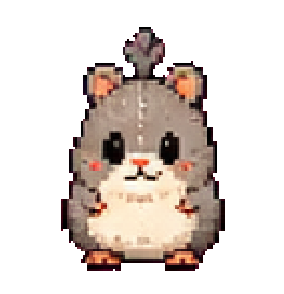
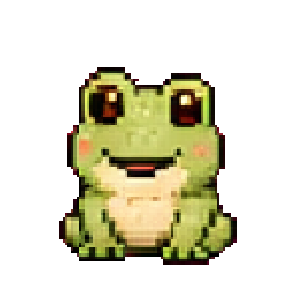
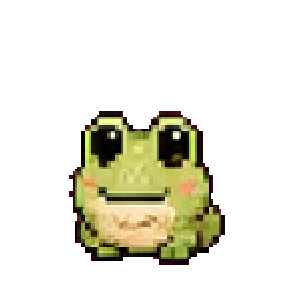
15 pets, 8 poses each.

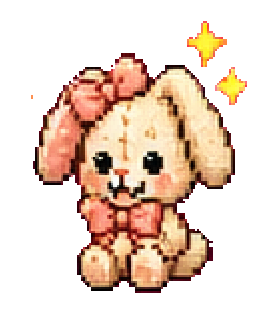
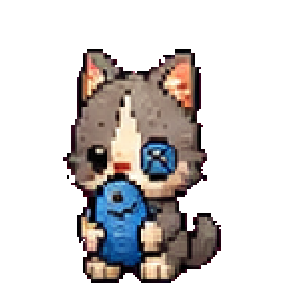
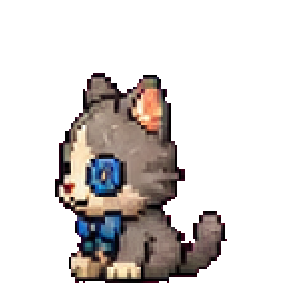
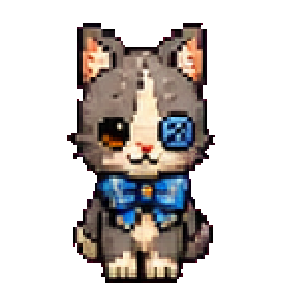
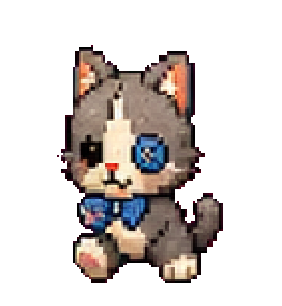
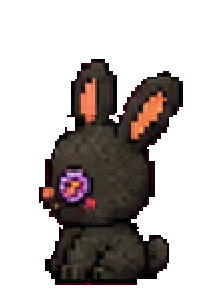
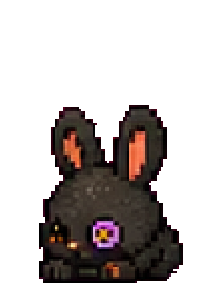
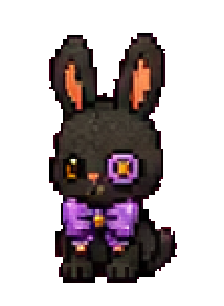
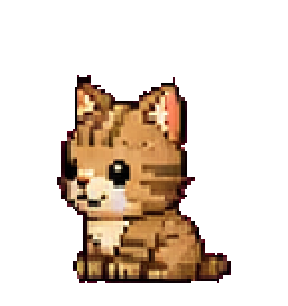
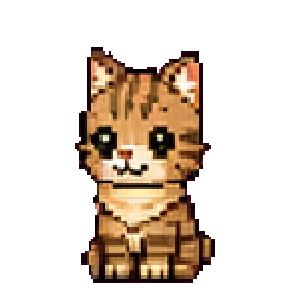
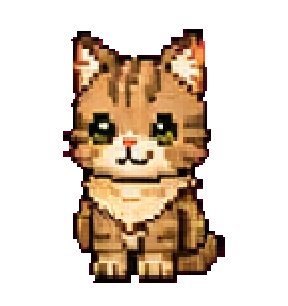
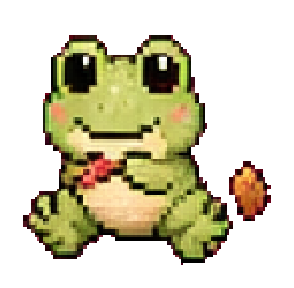
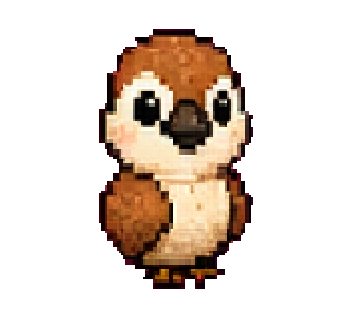
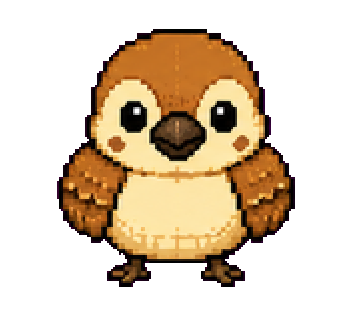
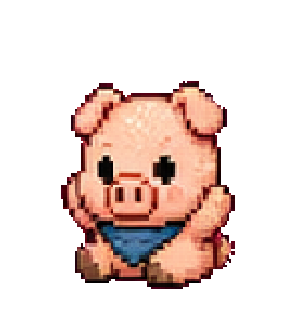
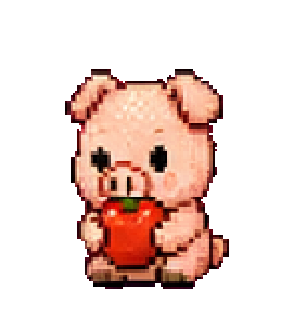
Foxl's patchwork pets, die-cut with a white vinyl border by the same recipe as the stickers the apps draw in an empty chat or an empty inbox. A pet appears where something is empty, waiting or arriving, never on a control or a list row. All 120 as PNG: ZIP, 2.8 MB.

On an empty screen, a pet means one thing

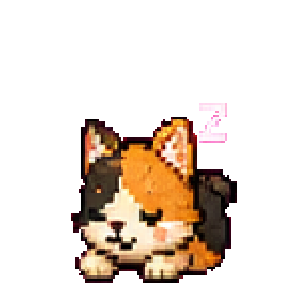
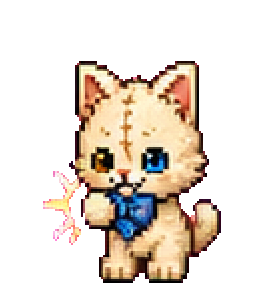
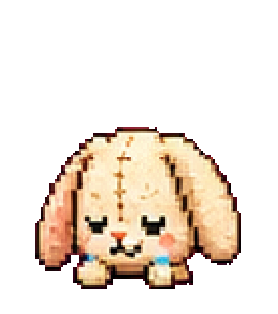
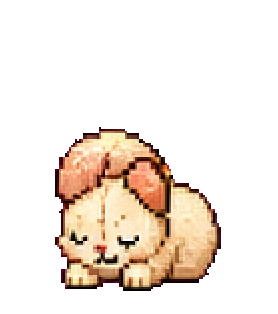
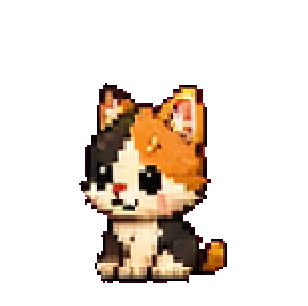
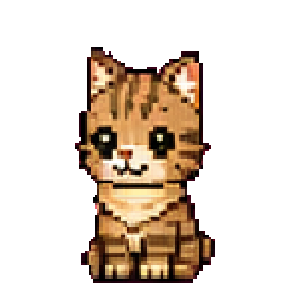
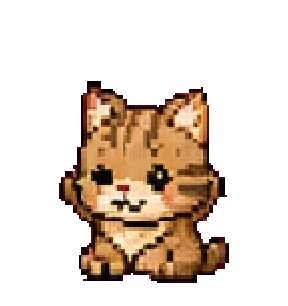
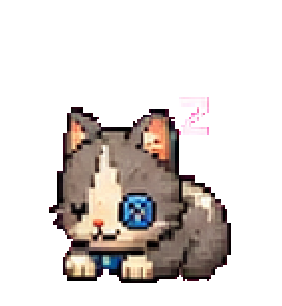
Calico Kitten, Sleep

Nothing yet

An empty inbox, no schedules, no summary yet. The calico, asleep: nothing is waiting, so nobody is up.

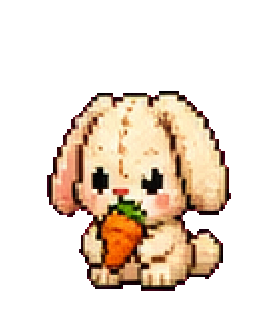
Acorn Hedgehog, Idle

Nothing matched

A search or a filter found nothing. The hedgehog, still looking.

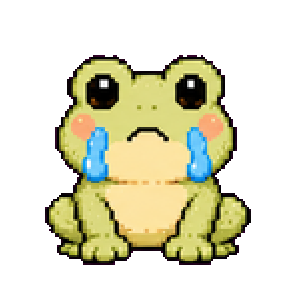
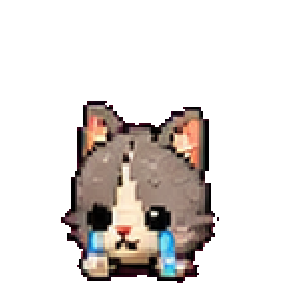
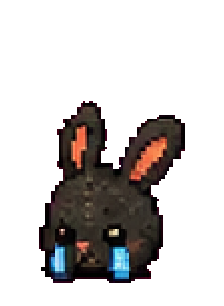
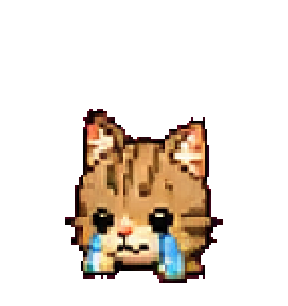
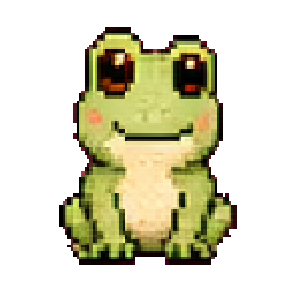
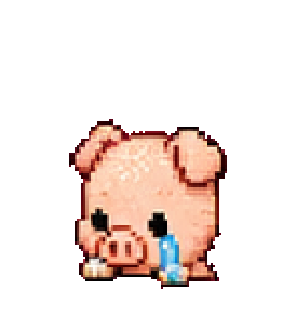
Reed Frog, Cry

Can't reach it

The desktop does not answer, or something failed to load. The frog, crying.

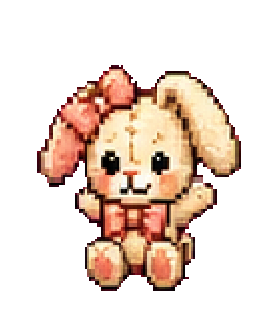
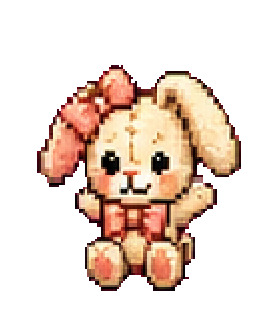
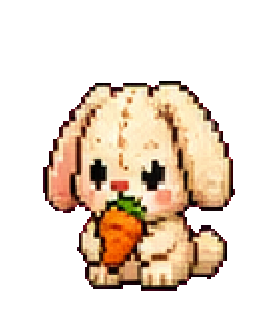
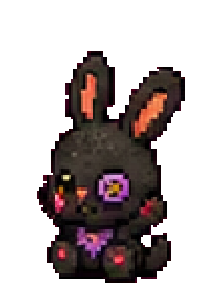
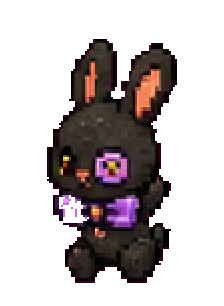
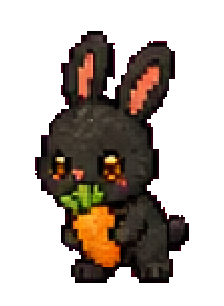
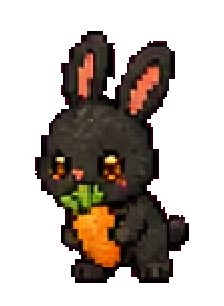
Midnight Bunny, Wave

Set up first

Connect a desktop, a channel or GitHub before there is anything to show. The bunny, waving you over.

These are Foxl's characters: use them to refer to Foxl. Please do not use them in a way that suggests Foxl sponsors or endorses you. For anything else, email support@foxl.ai.

Motion.
Transform, opacity and a little blur.

Reduce Motion, in the system or in the app, stops all of it and every screen still reads in its final state. The native iOS welcome follows the system switch and cross-fades instead.

Motion in the phone apps
MotionDurationCurve
The planet into the orb (the welcome)820 to 850 msiOS a spring, damping 0.86; Android an ease-out
A headline writes in800 ms, letter by letter (Android: word by word, 600 ms each)rise 12 px, fade, unblur
A sticker pops560 msback-out (overshoot 1.56)
A sticker pours out of the orb620 ms, staggered by distanceback-out (iOS: a spring, damping 0.62)
The hero fading as you swipefollows the gesturelinear on iOS, eased on Android