Running an Always-On AI Agent on Real Desktops
A field guide to how an AI agent fails on a real desktop and not on a server: sleep and wake, shell environments that differ by launch method, proxy and TLS splits between Chromium and Node, per-app OS permissions, packaged paths, shared browser profiles and PTY backpressure, with the evidence to capture for each.
On this page
A desktop agent is a chain of runtimes owned by the operating system, rather than a server process with a window attached: a signed GUI process, one or more child processes, shells and PTYs, local storage, credential stores, browser profiles, and several network stacks. A task can cross every one of those boundaries before it produces an answer.
To diagnose a failure, find the first boundary where observed state diverges from expected state. Each section below covers one class of failure: what to capture as evidence, and what the subsystem involved should enforce.
Record the runtime contract first
Before debugging a command, write down the process that actually runs it. Record the app version, build identifier, OS and architecture, packaged or development mode, executable path, working directory, data directory, selected shell, effective PATH, and child runtime version. Also record whether the app was launched from a terminal, Finder, the Dock, Explorer, or login startup.
Each of these can change what the command does. Foxl's production host, for example, runs an embedded server from the packaged resources directory while keeping writable data under the user's Foxl home. It logs the selected Node binary, and its diagnostics report the data and log paths. A useful failure report must preserve that identity instead of reporting only the command that failed.
Sleep and wake invalidate process assumptions
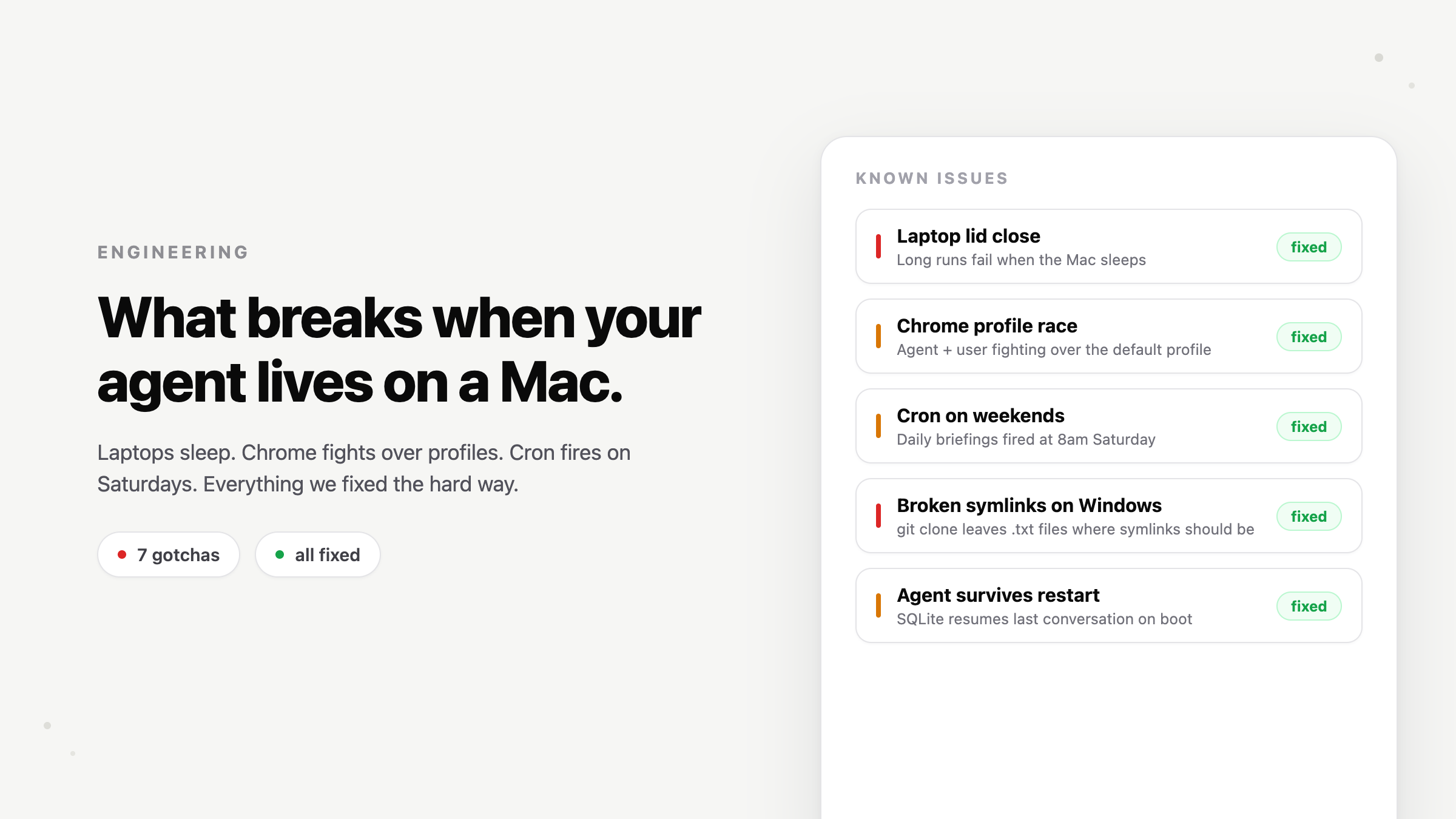
System sleep suspends the GUI process, its timers, and most child processes together. On wake, an overdue timer may run immediately, sockets may still look open even though the network path is gone, and a task may appear to have run for hours despite receiving almost no CPU time. The WebSocket protocol defines Ping and Pong control frames for explicit keepalive and responsiveness checks. A watchdog in the same suspended process cannot protect work while the machine is asleep.
Model three cases separately:
- Missed trigger: a schedule became due while the app could not run. Choose an explicit policy: skip it, coalesce missed occurrences into one run, or replay each occurrence.
- Suspended execution: a task started before sleep but made no progress. Reconcile it from persisted state and protocol progress, not elapsed wall time alone.
- Stale transport: a WebSocket or HTTP connection survived in memory but not on the network. Treat wake as a liveness invalidation and reconnect through one backoff controller.
Persist scheduledFor, attemptId,startedAt, and the last committed side effect. Recompute the next valid calendar occurrence after wake, including timezone and weekday rules. Revalidate those rules when execution begins because a timer armed on Friday can fire after a Monday wake. Any automatic retry of a side-effecting task needs an idempotency key.
Foxl's current scheduling documentation states the user-visible sleep and missed-run policy. Its tunnel host also forces a single reconnect intent on resume or screen unlock. The connection ownership field report explains why reconnect ownership and in-flight request ownership must remain separate.
There is no single shell environment
A command that works in an interactive terminal may fail from a desktop app because GUI launches can inherit a different, often smaller, environment. Shell startup files also differ by mode: login, interactive, and non-interactive shells do not read the same files. Version managers, proxy variables, language homes, aliases, and functions can therefore exist in one surface and disappear in another.
Command execution and terminal execution may diverge inside the same app. Foxl's command tool uses /bin/sh -c on Unix andcmd.exe /c on Windows, while its PTY uses the user's shell or PowerShell. The production host separately probes a login shell at startup to recover environment variables for child processes. Shell syntax and startup behavior are not interchangeable across those paths.
Run a small identity probe inside the failing execution path:
printf 'shell=%s\ncwd=%s\npath=%s\n' "$0" "$PWD" "$PATH"
command -v node git python3
id
On Windows, capture the same facts with where.exe,$PSVersionTable, and $env:Path. Bound any shell-environment probe with a timeout because startup files can print, prompt, or hang. Keep the captured environment in the privileged host process, pass only what children require, and never send or log the complete environment because it may contain credentials.
Proxy, DNS, and TLS failures need separate tests
Desktop software often has at least two network configurations. Chromium follows system proxy settings and certificate policy. A Node child may follow environment variables, SDK-specific proxy support, and a different CA bundle. A successful browser request or terminalcurl does not prove that the packaged child can reach the same host.
ENOTFOUNDandEAI_AGAINpoint first to DNS, search domains, VPN state, or split-horizon resolution.ECONNREFUSEDmeans an address resolved but nothing accepted the connection at that address and port.- Timeouts often implicate a proxy, firewall, captive portal, broken IPv6 route, or a server that accepted TCP but did not complete TLS.
- Certificate errors require the hostname, system clock, issuer chain, and effective trust store. They are not generic connectivity errors.
Probe DNS, TCP, TLS, and HTTP in that order from the exact executable and environment used by the agent. Log the target hostname, resolved addresses, proxy mode, CA source, status code, and timing, but not authorization headers. Respect HTTPS_PROXY andNO_PROXY where the runtime supports them, and always keep loopback destinations out of external proxy routing. Foxl explicitly bypasses the system proxy for 127.0.0.1 andlocalhost so offline proxy discovery cannot prevent the local UI from starting.
fetch(target)
  .then(response => console.log(response.status))
  .catch(error => console.error(error.cause?.code, error.message));
Run that probe in the packaged child, not DevTools. Do not diagnose a trust failure by disabling TLS verification. Add the required enterprise CA to the supported trust path and keep hostname validation enabled. For relay-specific checks, the Foxl troubleshooting guide includes firewall, VPN, and WebSocket checks.
Permissions and credentials are different gates
"Permission denied" can come from several independent systems: filesystem mode bits, a sandbox entitlement, macOS privacy controls, Windows security policy, the agent's own tool approval rules, or a credential-store access decision. Test and report each gate by name.
Terminal access does not prove that the packaged application has the same access. Microphone, screen capture, Accessibility, automation, and protected folders can be authorized per signed application. Test the installed binary under the affected OS user, including the denied and revoked states, and provide a foreground recovery path when the OS requires user interaction.
Credential lookup needs equally precise states: source absent, access denied, value malformed, token expired, refresh rejected, and write-back failed. Log the source type and result, never the secret. Foxl checks the macOS Keychain first, then uses the vendor's credential file as a fallback or on other supported systems. It validates the stored shape before considering the provider configured. See the current provider setup and security model for the supported authentication and tool-permission paths.
Development paths do not survive packaging
Packaged apps have a different current directory, resource root, write location, module layout, and launch environment. Resources inside an archive may be read-only. Native modules must match the packaged runtime's ABI, operating system, and architecture. Helper binaries also need executable permissions and may be subject to signing, notarization, quarantine, or endpoint-security checks.
Resolve bundled assets from the platform resource directory, writable state from the application data directory, and user files from explicit user-selected or documented paths. Do not derive any of them fromprocess.cwd(). Do not assume node,npx, git, or a language runtime is onPATH. Bundle required runtimes or probe absolute candidates, validate their versions, and log any fallback. Electron exposes the packaged resource root as process.resourcesPath.
{
  packaged: app.isPackaged,
  executable: process.execPath,
  resources: process.resourcesPath,
  cwd: process.cwd(),
  arch: process.arch,
  dataDir,
}
Test the installed artifact with a clean OS account, no developer shell configuration, and no system runtime. Then test every shipped architecture. Foxl's bundled server and native PTY module make this distinction concrete: a source-tree build can pass while a packaged runtime, native module, or resource link is missing.
Profiles, ports, and lockfiles need one owner
Browser profiles, SQLite databases, local ports, update directories, and migration locks are single-owner resources unless designed otherwise. Reusing a personal browser profile creates both lock contention and an unclear security boundary. Give automation a dedicated profile and lifecycle, then persist only the session state it owns. Foxl's browser documentation describes the current automation surfaces, and the dedicated-profile release note records the isolation change.
Apply the same rule to local services. Generate a connection identity, verify that a lock or port holder belongs to the expected generation, and fence stale owners before replacement. Never delete a lock merely because it is old without also proving that its owner is gone.
PTYs expose buffering and backpressure failures
A pipe and a PTY are different protocols. Programs change prompts, color, buffering, and sometimes output format whenisatty is true. A PTY also carries terminal control sequences, resize events, signals, and interactive input. Test command execution and PTY execution independently.
Output travels from the child process to the host, then the transport, then the renderer. If any consumer is slower than the producer, an unbounded queue grows, the renderer stalls, or the child blocks on a full OS buffer. Consume stdout and stderr concurrently. Use a bounded scrollback ring, track queued bytes, batch UI updates, and define what happens at the limit: apply flow control, spill to a file, truncate with an explicit marker, or terminate the session. Dropping output with no marker should not be one of the options.
Decode UTF-8 incrementally because multibyte characters and ANSI sequences can cross chunk boundaries. Sequence relayed chunks so a reconnect can request a known offset instead of duplicating or dropping output. Test no-newline output, one-byte chunks, a slow renderer, disconnect and reconnect, stdin closure, resize, and child exit. A minimal burst probe is enough to expose an unbounded path:
node -e "process.stdout.write('x'.repeat(8 * 1024 * 1024))"Foxl currently caps per-session scrollback and persists terminal metadata for reconnect. Those bounds belong in the runtime contract, so they should be covered by burst and slow-consumer tests.
Logs must make the packaged failure reproducible
Logs should answer what ran, where it ran, which attempt owned it, and how it ended. Use UTC timestamps plus monotonic durations. Carry onerunId or requestId across the GUI host, local server, child process, network request, and renderer. For child processes, record the executable, redacted arguments, cwd, PID, start result, exit code or signal, stdout and stderr byte counts, truncation, timeout, and cleanup result.
Keep startup logs available before the main UI loads. Capture renderer warnings and errors in production when DevTools are unavailable. Bound every in-memory log and preserve the useful tail, but write enough durable evidence to diagnose crash loops. Never include access tokens, cookies, complete environments, or unreviewed user files.
Foxl writes a dated host log, exposes startup diagnostics, and can generate a system report with runtime, agent, audit, and recent log context. That report can include private conversation text and paths, so review it before sharing, as noted in the diagnostics release note. For protocol bugs, retain a sanitized failing fixture and replay it across chunk boundaries. The binary stream incident report shows this approach.
A compact diagnostic sequence
- Freeze the facts. Record version, build, OS, architecture, launch method, packaged mode, run ID, UTC timestamps, and any sleep, network, VPN, or account transition.
- Reproduce in the real host. Use the installed app and its selected child executable. A terminal-only reproduction tests a different environment.
- Verify identity and paths. Capture executable, runtime version, shell, cwd, data and resource roots, effective
PATH, and command resolution. - Split the network layers. Test loopback first, then DNS, TCP, TLS, and HTTP from the failing process. Record proxy and CA sources without secrets.
- Check every authorization gate. Identify tool policy, OS permission, filesystem access, credential source, token validity, and refresh or write-back result separately.
- Exercise lifecycle edges. Run one bounded output burst, slow the consumer, suspend and resume once, and reconnect once. Confirm one owner, one terminal result, and no duplicate side effect.
- Preserve the evidence. Export the redacted logs, exact steps, expected and actual results, and the smallest sanitized fixture that reproduces the failure.
Stop at the first divergence. Fix that boundary, add a packaged regression test for it, and keep the diagnostic fields that made the cause visible, so a test can catch the same desktop-only failure the next time it appears.
References and further reading
- Desktop troubleshootingDocumentation
- Browser automation and profile isolationDocumentation