Foxl v0.10.7: Chat With No Key, 200 Credits to Start, and 100 More per Friend
Foxl v0.10.7 is out. On a computer, every Foxl account can now chat with Foxl's own models on its credits, with no key of its own; new accounts start with 200 credits, each friend you invite adds 100, and you can point Foxl at the exact part of a file.

On this page
Install Foxl on a computer, sign in with a new account and ask it something. In Foxl v0.10.7 the answer comes from one of Foxl's own models, paid from the 200 credits a new account starts with: no API key and no subscription. Each friend you invite who uses Foxl adds 100 more credits.
Two more changes stand out. Add to chat points Foxl at the exact part of a file, and on a phone a new chat lists what your morning briefing found today.
Chat on your credits, with no key of your own
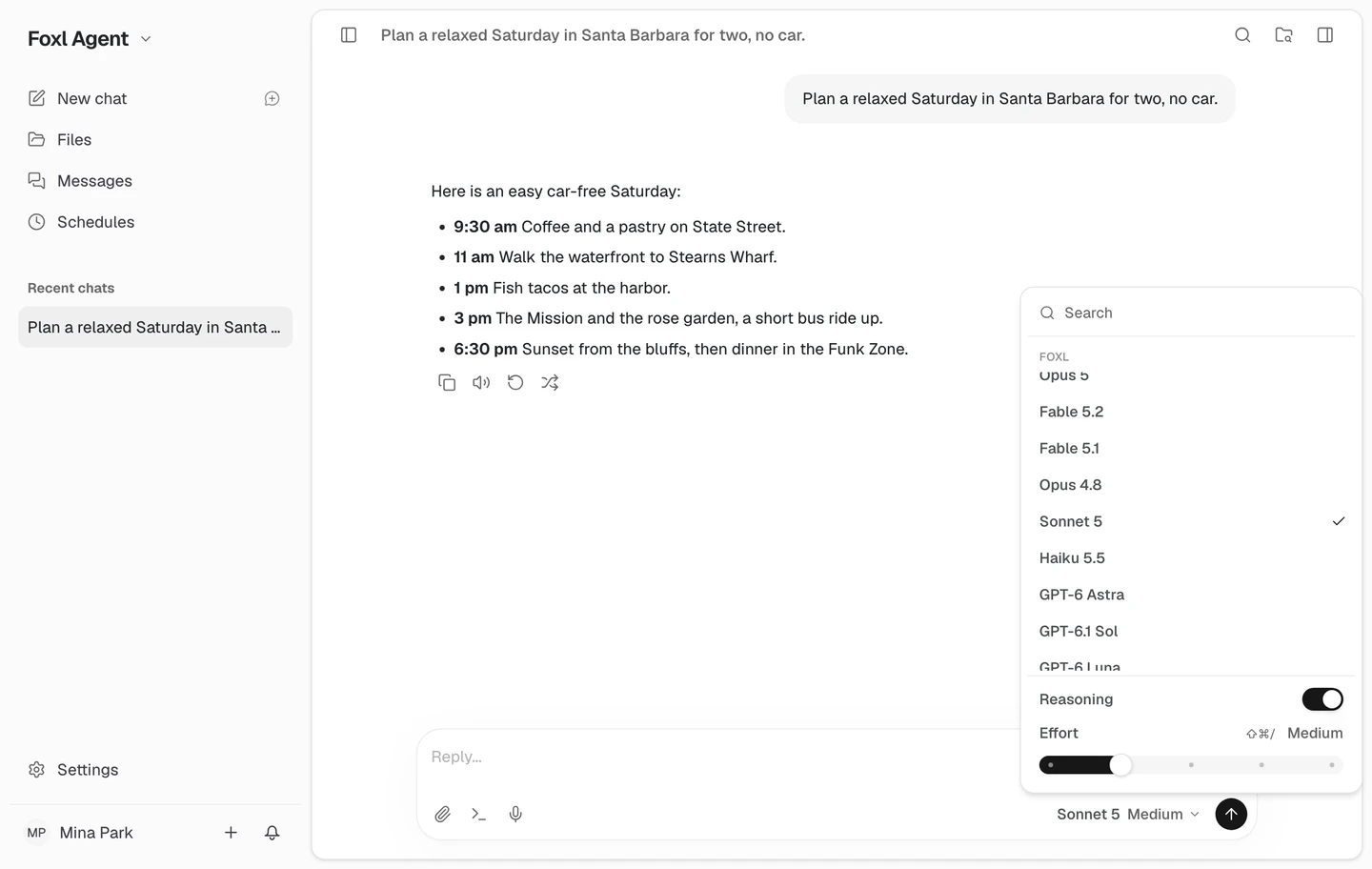
Until now, only a few accounts could pick Foxl's models in the model selector. In 0.10.7 every account can pick one of them on a computer and chat on its Foxl credits, with no API key from a model provider, and the same works from your phone or a browser while your computer is connected. With no computer connected, Foxl answers in the cloud on Claude Haiku 5.5, on your credits as before, and limits how many replies an account can start in an hour and in a day. Your own keys and sign-ins work as before, and the Foxl models in the model selector are the ones that run on your Foxl credits. It needs Foxl 0.10.7, so update the app on your computer and phone; app.foxl.ai in a browser already runs it.
200 credits to start, and 100 more for each friend
A new Foxl account starts with 200 credits, however you sign up. They go to at most 5 new accounts a day on one network, and on a day with unusually many new sign-ups they can arrive from 00:00 UTC, oldest sign-ups first, instead of at once; until they do, chat on Foxl's models waits for them. On a day of unusual demand across Foxl, cloud spending can pause until 00:00 UTC, first for new accounts and for accounts using only free credits. Share your invite link, and when a friend signs up with it and uses Foxl credits on two different days (UTC), you get 100 more. Credits for many invites in a short time are checked and added over the following days. Your link, a Share button where your device has one, and what your invites have earned are under Settings > Account > Invite friends.
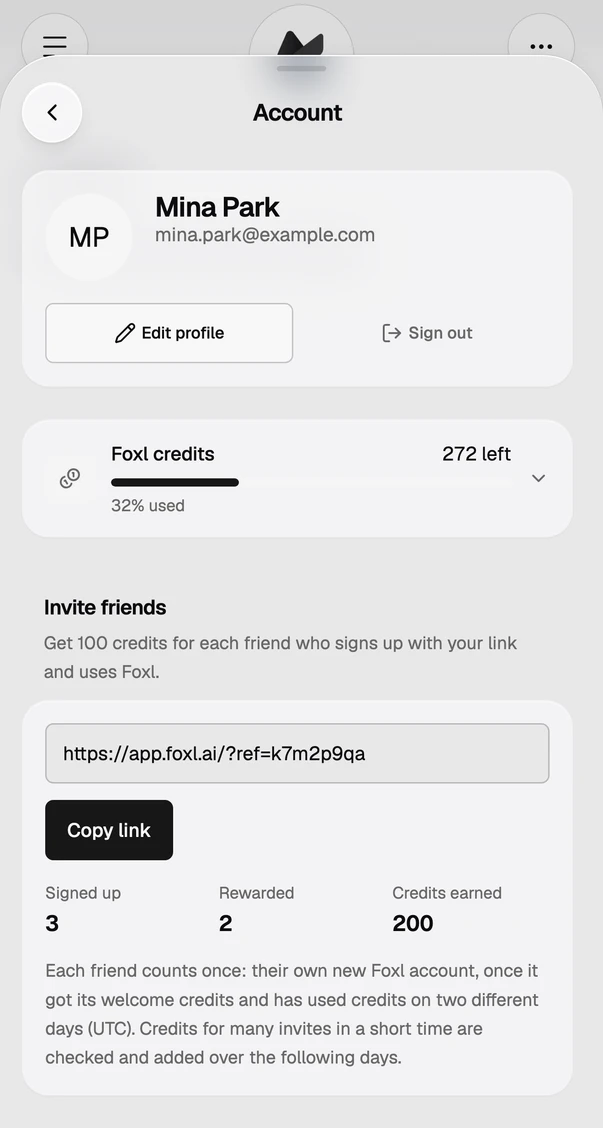
Free accounts are no longer held to 200 model requests a day. Your credits set how much you use, with a 1,500-requests-a-day safeguard on every account, and when they run out Foxl points you to inviting friends. In Notes, your balance shows under the transcription setting when Foxl transcribes on your credits.
Point Foxl at the exact part of a file
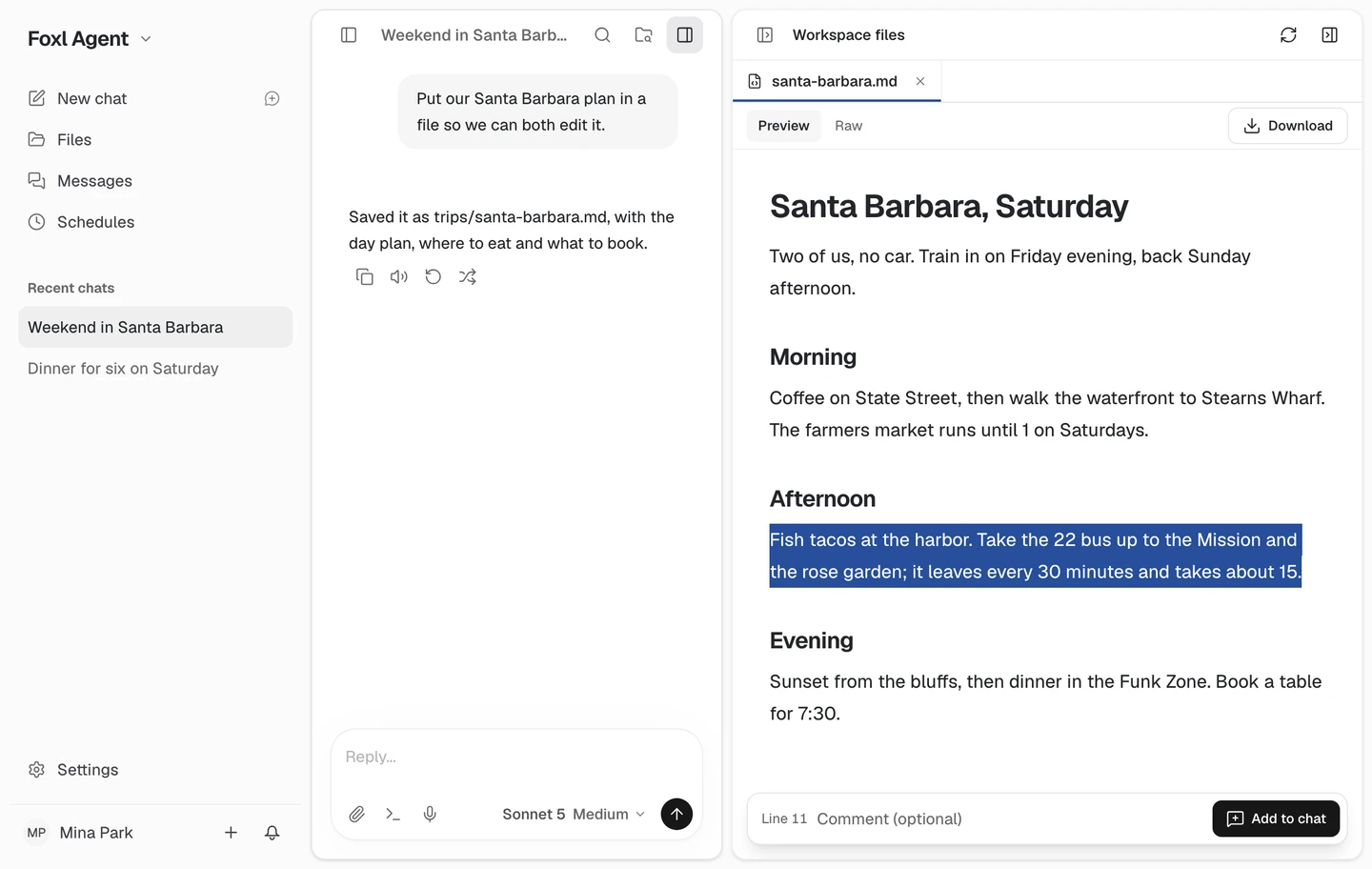
In the files beside a chat, select a passage of a Markdown, Word, text or code file, or a range of cells in a spreadsheet, and Add to chat puts it in that chat's message box with room for your comment. Nothing is sent until you send it. The keyboard works too: Shift with the arrow keys selects paragraphs, and the arrow keys select cells. On the Files page, Word files and spreadsheets offer it as well, and start a new chat.
Today's briefing, in a new chat on your phone
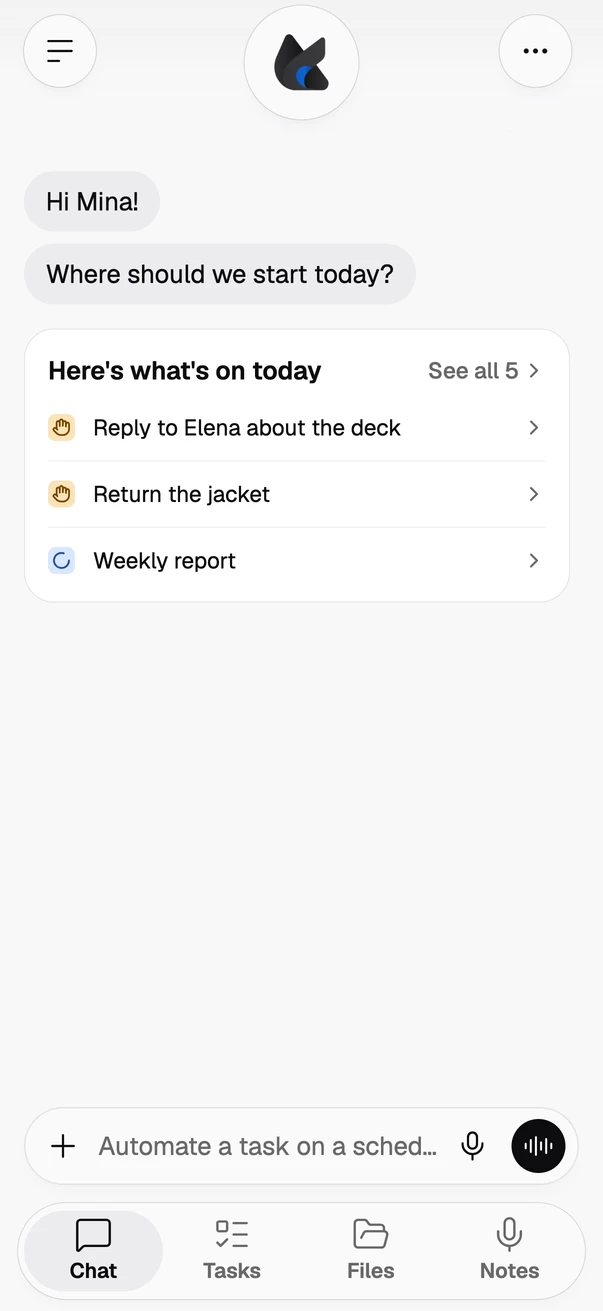
On a phone, a new chat now lists what your morning briefing found for today under Foxl's greeting: up to three things that need you or are in progress, with See all for the rest. Tap one to read its whole note and when the briefing said it, then open it or ask Foxl about it; nothing is sent until you send it. The briefing comes from Foxl on your computer, so it needs Foxl there with the morning briefing turned on in Settings > Heartbeat. It shows on the day the briefing ran, in the iPhone and Android apps and in a phone's browser.
Also in this release
- In Messages and Channels, pointing at a message shows its actions on the message's top corner, as in Slack, with the emoji you react with most one click away.
- When a service's API needs more than one value, such as a key and its secret or a user name and an app password, Foxl asks for all of them on one card, each field labelled; secret fields stay hidden from Foxl's AI.
- After Foxl books something on a site, its card can say what was booked and where, word for word from the site's confirmation page.
- A new pre-made schedule, Chores Sweep, checks your sites once a week for orders to confirm, reviews that earn points, renewals coming up and accounts you no longer use. It is off until you turn it on and only reports what it found; confirming a delivery, buying, cancelling, posting a review or deleting an account still waits for your yes.
- Foxl Code tasks are shared with anyone in your GitHub organization's Foxl Code who can read the repository, and a task with a pull request, an issue or a comment has a Comments tab that stays in step with GitHub. The task's prompt, terminal and files stay yours.
- The desktop pet feels like a real plush: it settles softly wherever you put it down and naps at night, and its Current work menu lists your Foxl Code tasks that need you or are working.
- The iPhone and iPad app opens on a new welcome, and on iPhone your computer's screen in full screen covers the whole screen.
- Seeing and using your Mac from your phone over mobile data connects more often.
- Phone calls Foxl makes for you open the way a person would, with your name and why it is calling.
- When you ask Foxl to make something, such as a file, a passing test or a result that has to meet a number, it tries another way more often before it stops, and asks less often whether to go on with steps your request already spelled out.
- When you ask Foxl to pay someone on a later date, it fills in the bank's own transfer date, so the bank sends it on time even with your computer off.
References and further reading
- Foxl v0.10.7 release notesRelease
- Download FoxlReference