Make space to listen.
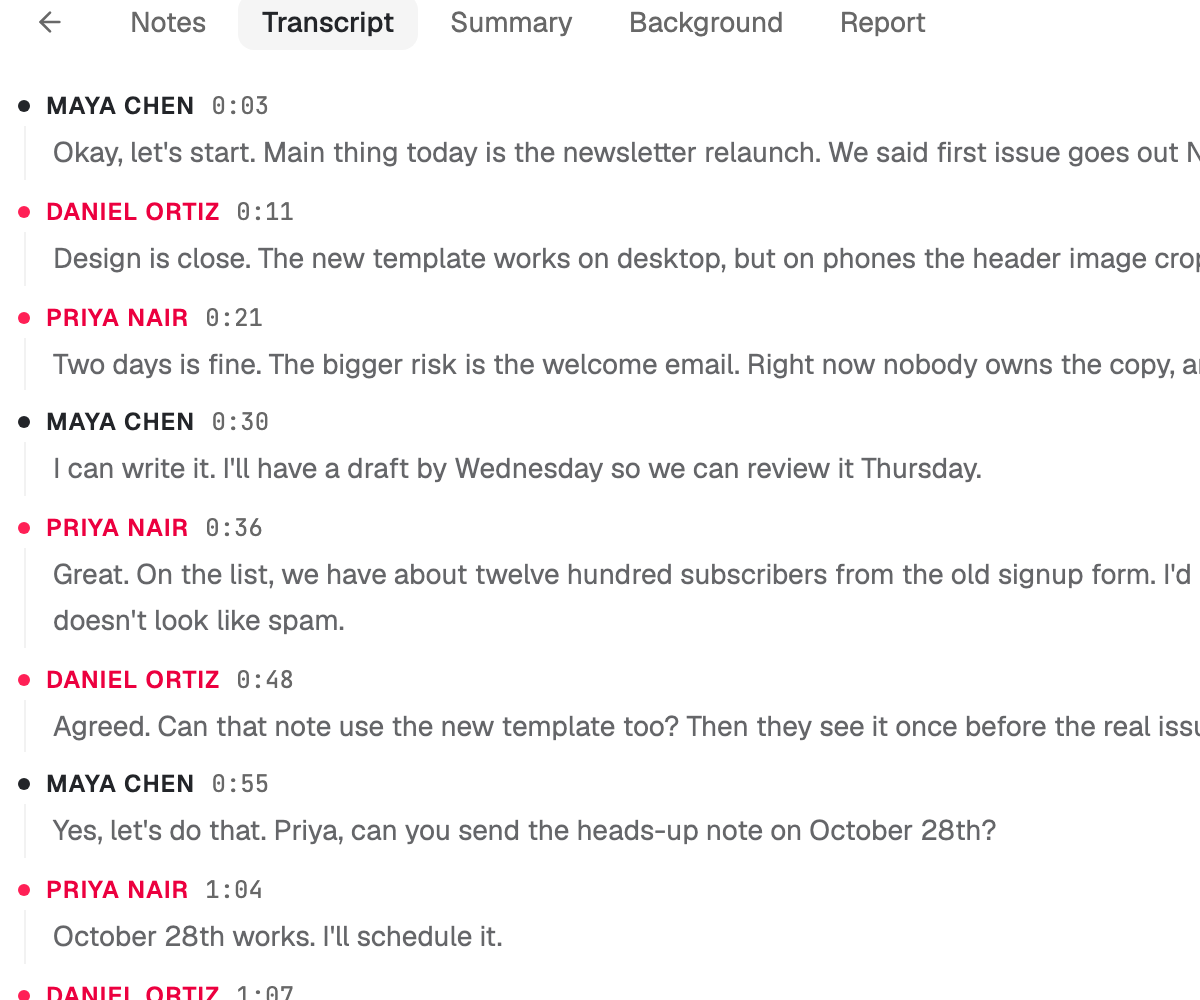
Press record when you are ready, or bring a transcript from Zoom, Google Meet or Teams. Every line keeps its speaker and time.
Foxl Notes
Bring your Chat context into your next meeting. Notes on Desktop uses saved memory for answers that fit you.
The browser version needs Foxl Agent running on your computer.
Inside the Foxl app. On your computer, iPhone, and iPad.
From here to a clear head
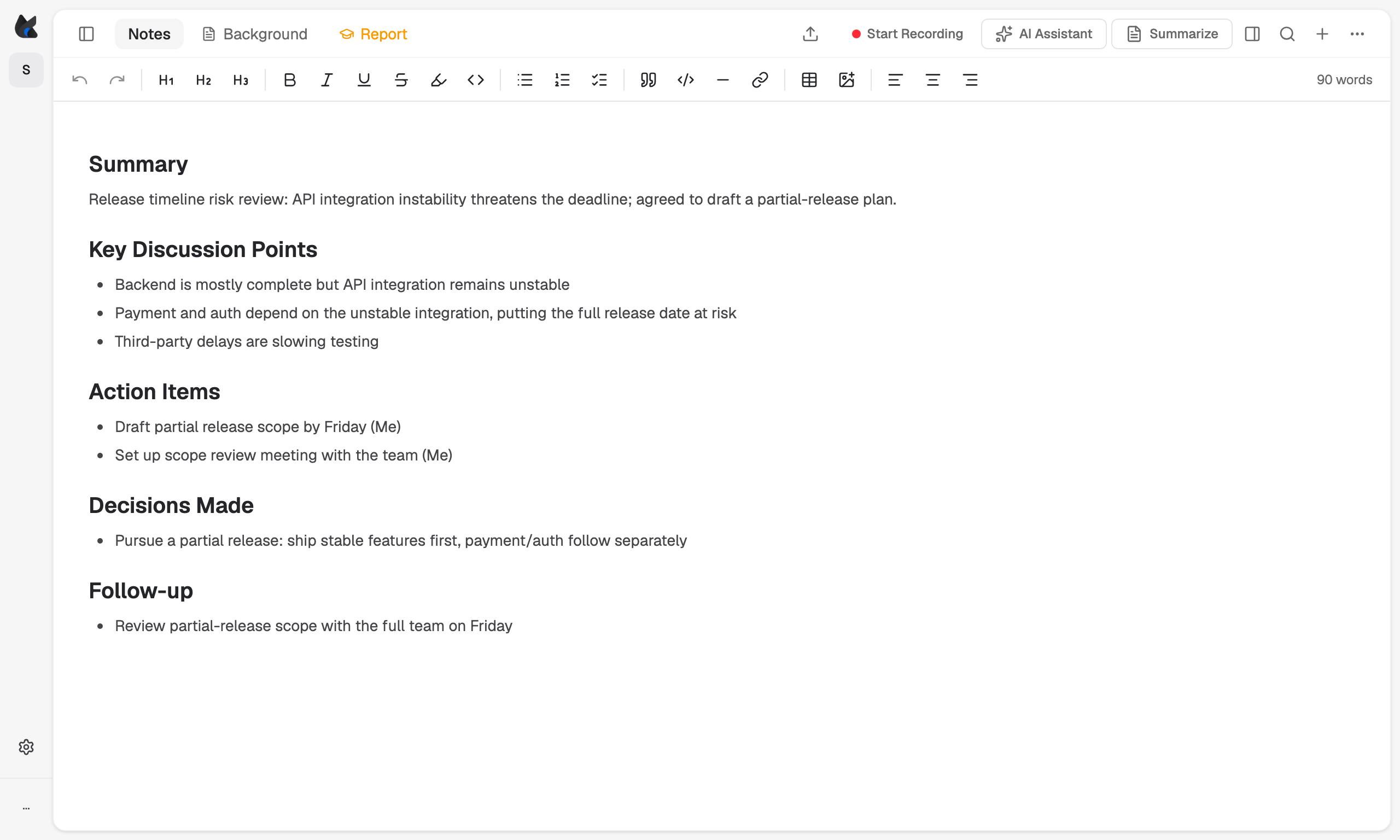
For the weekly check-in, the lecture, the interview, or the idea you would rather say out loud.
Press record when you are ready, or bring a transcript from Zoom, Google Meet or Teams. Every line keeps its speaker and time.
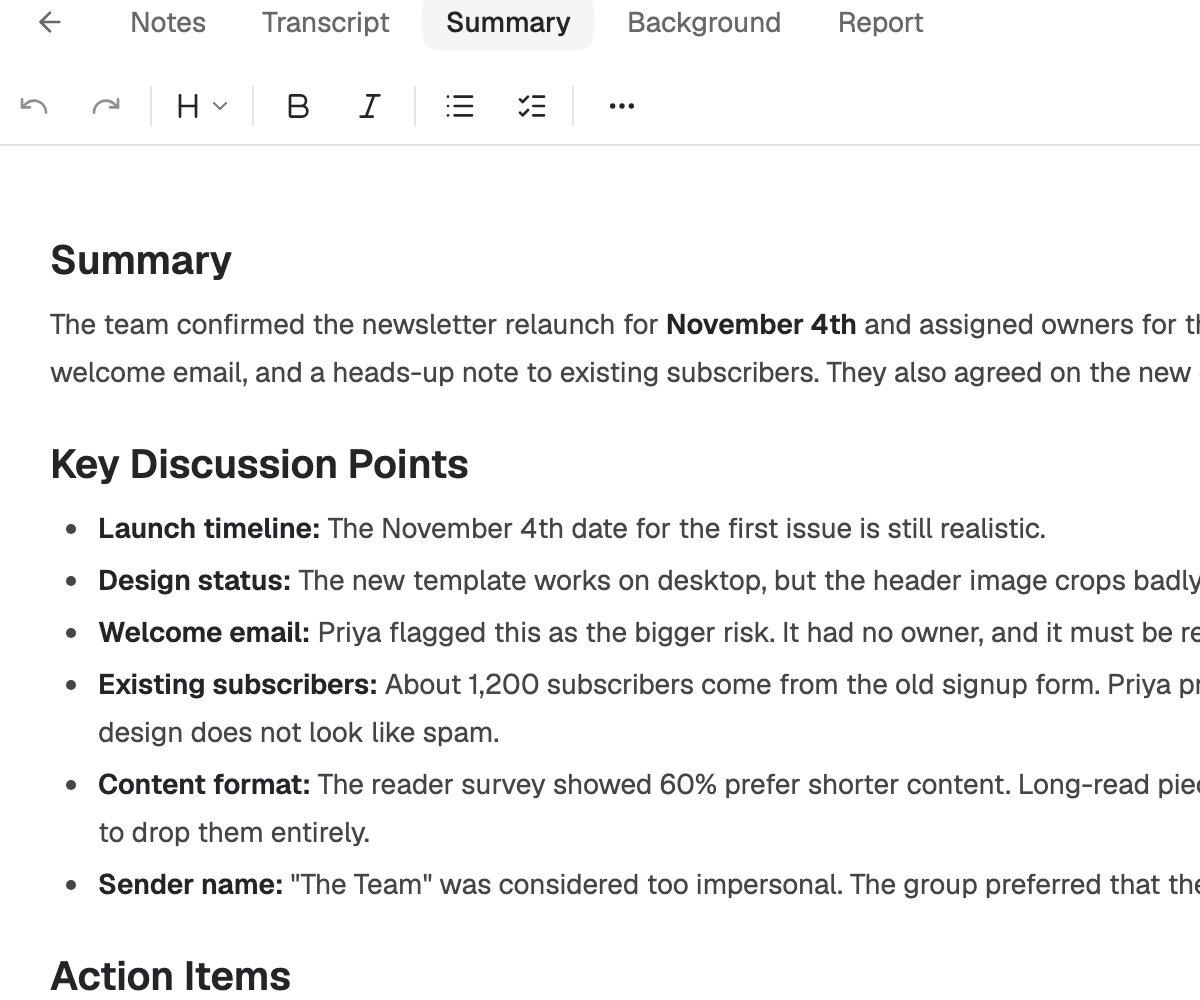
A summary turns the conversation into the decisions, owners, and dates worth keeping, in a tab of its own.
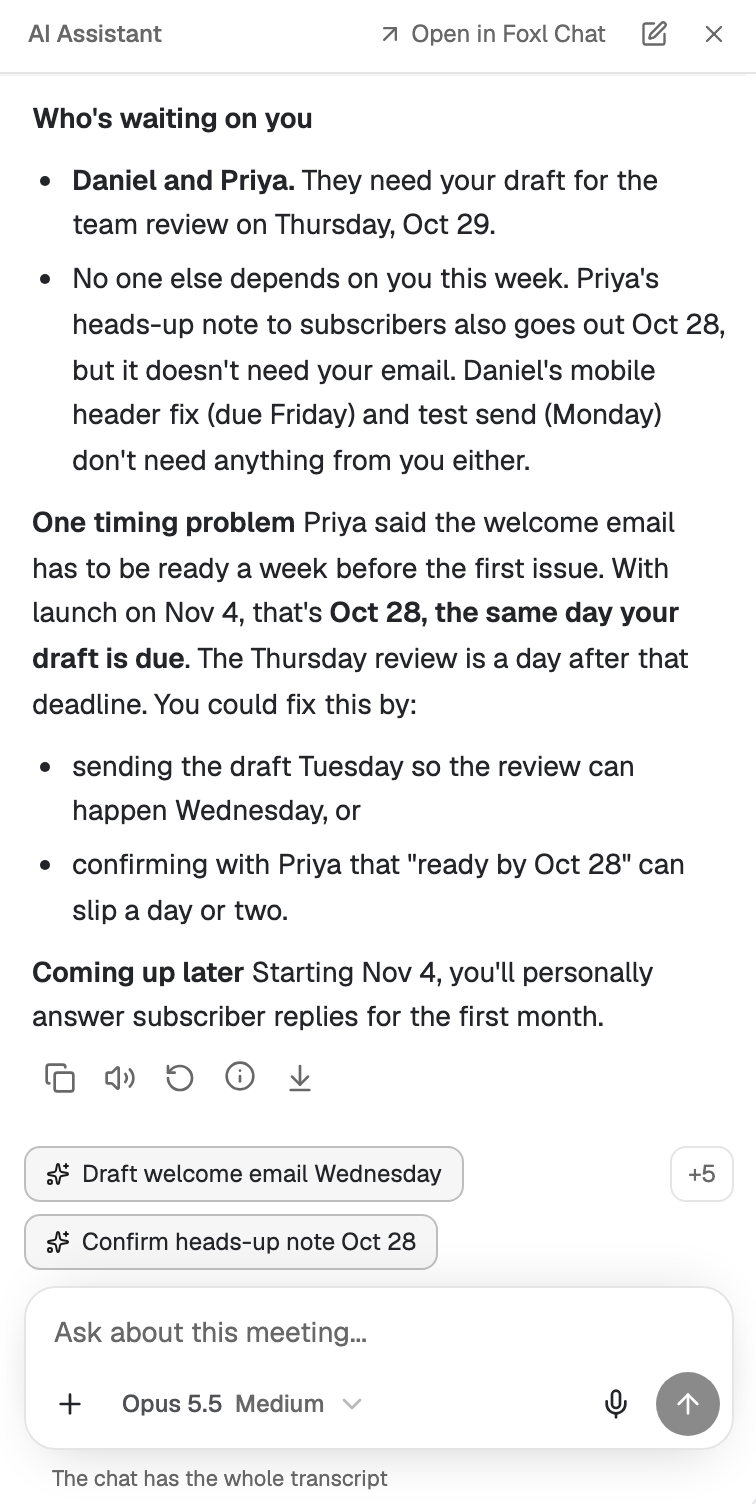
Ask a follow-up question, draft the follow-up email, or open the conversation in Foxl Chat and keep going.
Foxl Notes
Bring the context from everyday Foxl Chat conversations into your next meeting. Notes on Desktop can use saved memories and look up past chats to give answers that fit you. Later, ask Foxl what was decided, and the answer names the meeting it came from.
One memory, across conversations
The project you discussed in Chat. A preference you asked Foxl to remember. A decision from an earlier conversation. Notes can use your Desktop memory and look up past chats when you ask, alongside the meeting transcript.
On iPhone, iPad and app.foxl.ai, the assistant is your Desktop's own while it is online, with its memory and tools.
Explore NotesFits the way you work
Record in Notes, import an audio file, or bring the transcript Zoom, Google Meet or Teams already made. Keep working from there.
On Desktop, the Live panel floats above your meeting app with captions, live translation, and the assistant one click away.
Your notes, the summary, and the transcript each have a tab. On Desktop, save them as Markdown, Word, plain text, or subtitle files in a folder you choose.
Notes shares Foxl’s interface across your computer, iPhone, and iPad, with ten interface languages.
Cloud transcription sends audio to a transcription provider. Prefer to keep it on your own hardware? On an Apple silicon Mac, Notes can run on the computer itself, with on-device speech recognition and Gemma 4.

Notes, included with Foxl
The browser version needs Foxl Agent running on your computer.
Mac, Windows, Linux, iPhone, iPad, and Android.